
Numbers
Kotlin provides several built-in types to represent numbers, categorized into integers and floating-point numbers. Unlike Java, there are no implicit widening conversions for numbers (e.g., you cannot assign an Int to a Long variable without an explicit conversion).
val inferedInt = 10 // Inferred as Int
val inferedLong = 10000000000 // Inferred as Long because it's too big for Int
val explicitLong = 10L // Explicitly defined as LongInteger Types
These types represent whole numbers without decimals.
| Type | Size (bits) | Min Value | Max Value | Example |
| Byte | 8 | -128 | 127 | val b: Byte = 100 |
| Short | 16 | -32,768 | 32,767 | val s: Short = 30000 |
| Int | 32 | -2³¹ | 2³¹ – 1 | val i = 42 (Default for whole numbers) |
| Long | 64 | -2⁶³ | 2⁶³ – 1 |
Floating-Point Types
These types represent numbers with decimal points. Kotlin adheres to the IEEE 754 standard for floating-point numbers.



| Type | Size (bits) | Significant Bits | Example |
| Float | 32 | 24 (approx. 6-7 decimal digits) | val f = 3.14f (Note the ‘f’ or ‘F’ suffix) |
| Double | 64 | 53 (approx. 15-16 decimal digits) | val d = 3.14159 (Default for decimal numbers) |
Booleans
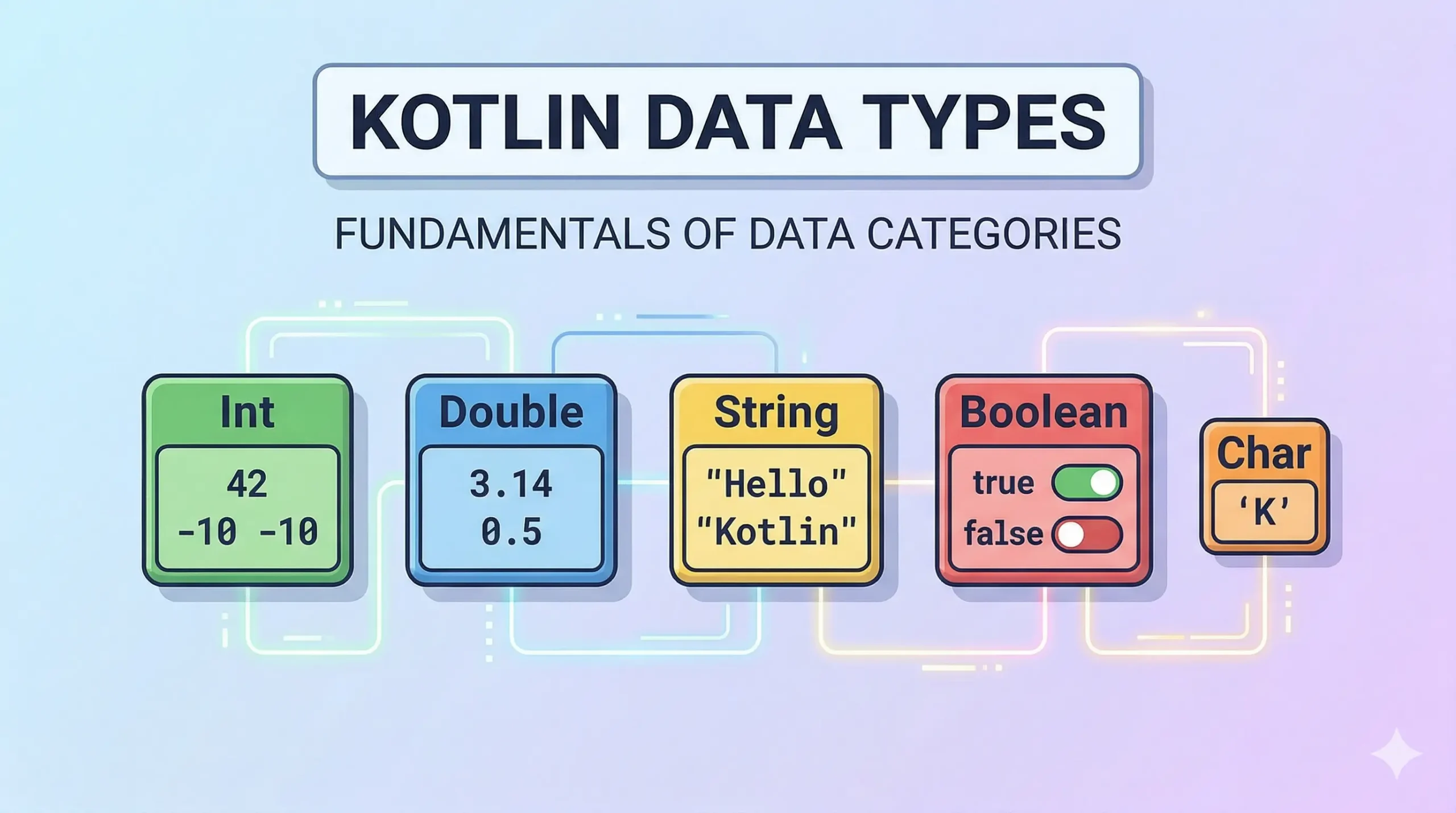
The Boolean type represents logical values and has only two possible states: true and false. This type is fundamental for control flow structures like if statements and loops.
val isKotlinFun: Boolean = true
val isFishTasty = false // Type inference makes it a Boolean

if (isKotlinFun) {
    println("Yes, it is!")
}Characters
The Char type represents a single 16-bit Unicode character. Character literals are enclosed in single quotes, like 'A' or '1'.
val letter: Char = 'K'
val digit = '7' // Inferred as Char
// val notAChar = 'KO' // Error: too many charactersCrucially, in Kotlin, Char is NOT a number type. You cannot directly assign a character to an integer variable (unlike in Java). You must use explicit conversion functions like .toInt() to get its ASCII/Unicode value.
val c = 'A'
// val i: Int = c // Error: Type mismatch
val code: Int = c.toInt() // Works, code will be 65Strings
The String type represents an immutable sequence of characters. String literals are enclosed in double quotes, like "Hello, KtDevLog!".
Arrays
Arrays in Kotlin are represented by the Array class. They are invariant, meaning Array<String> is not a subtype of Array<Any>. You can create arrays using functions like arrayOf(), arrayOfNulls(), or the Array constructor.
val numbers = arrayOf(1, 2, 3, 4, 5) // Inferred as Array<Int>
val names: Array<String> = arrayOf("Sharif", "Mia", "KtDevLog")