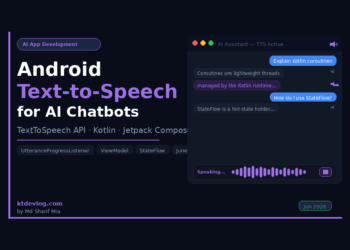
Android Text to Speech AI Chatbot in Android Studio 2026
Most Android AI chatbot tutorials stop at displaying text responses. The response appears in a bubble, the user reads it,...


Most Android AI chatbot tutorials stop at displaying text responses. The response appears in a bubble, the user reads it,...
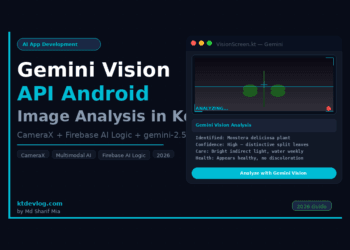
Most AI tutorials stop at text prompts. You type something, the model responds with something — and that's impressive on...
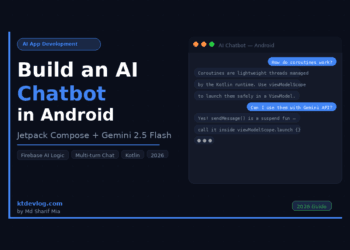
You've seen the ChatGPT-style chat UI everywhere — a scrollable message list, a text input at the bottom, and AI...
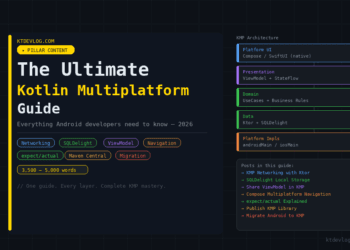
You already know Kotlin. You already know Android. You've shipped apps, fixed production bugs at midnight, and learned Jetpack Compose...
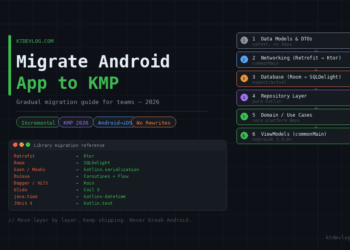
Nobody migrates to KMP overnight. Nobody should. You've got a production Android app — real users, real data, real crash...
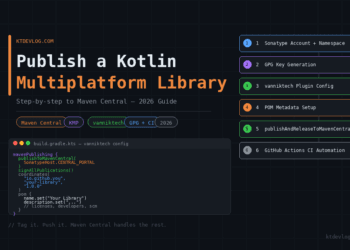
You've built a Kotlin Multiplatform library. It works beautifully on Android. iOS runs it without a complaint. Your colleagues want...
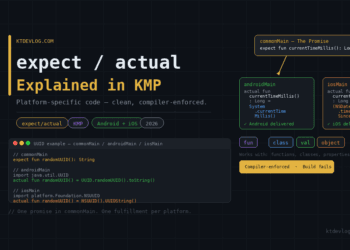
You're writing shared Kotlin code and everything flows cleanly — until you need the current timestamp. On Android that's System.currentTimeMillis()....
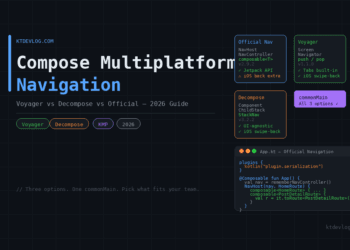
Pick up any KMP project mid-build and you'll hit the same wall fast. Data layer? Sorted — Ktor handles networking,...
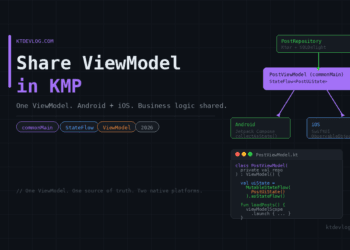
You've shared your networking layer with Ktor. Your local database runs on SQLDelight. Both live in commonMain — clean, shared,...
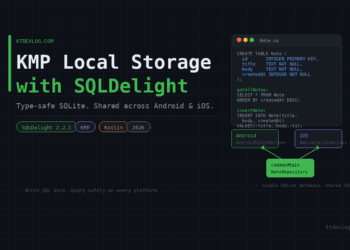
You've got your KMP project making API calls. Data is flowing in from the server. Everything works — until the...